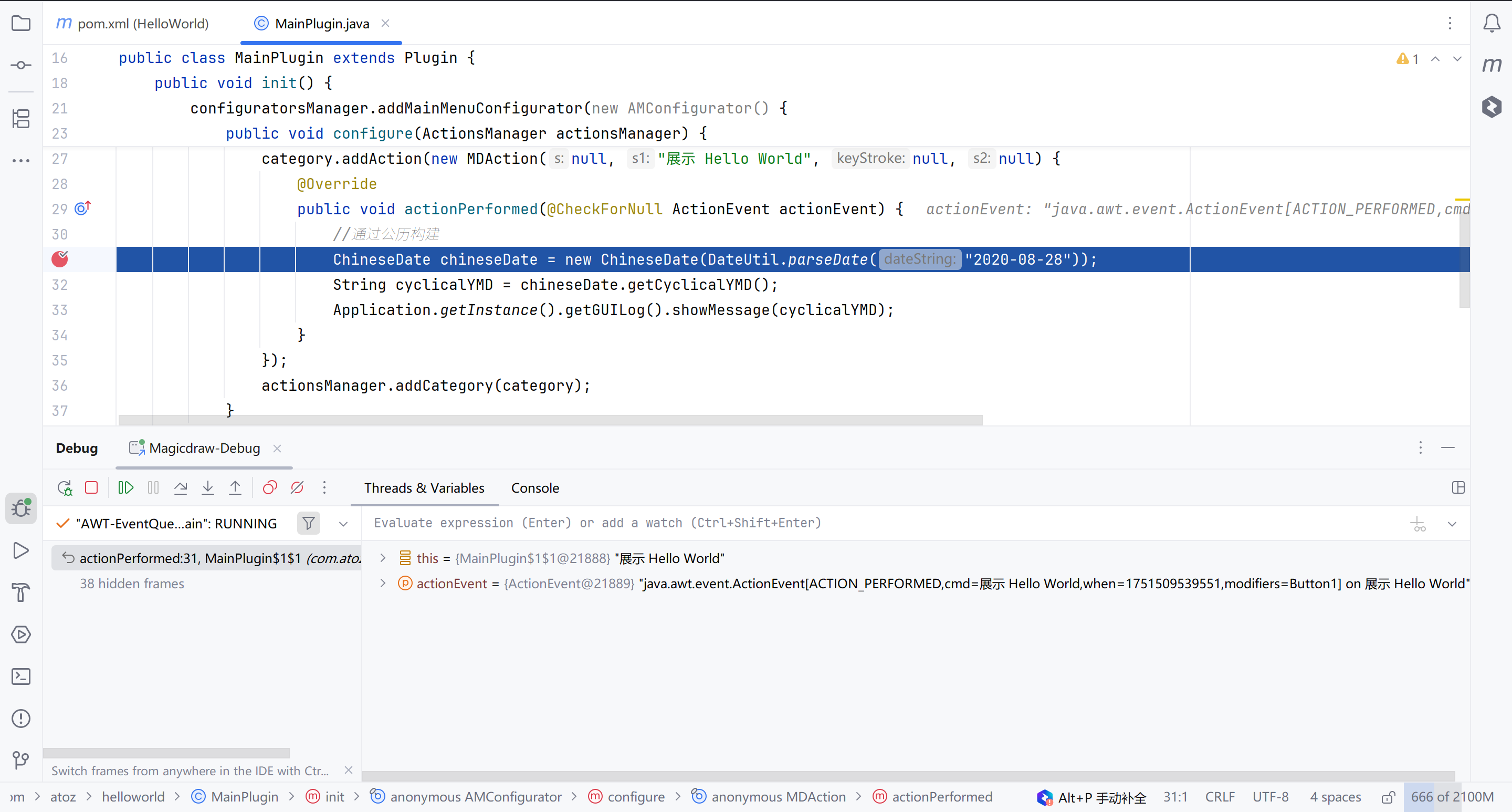
调试插件
通过 Logger 打印日志查看输出
在代码中使用org.apache.log4j.Logger打印日志。
在 Magicdraw 工具中主菜单的 Help->About Maigcdraw 弹窗中可以看到 log 文件地址。
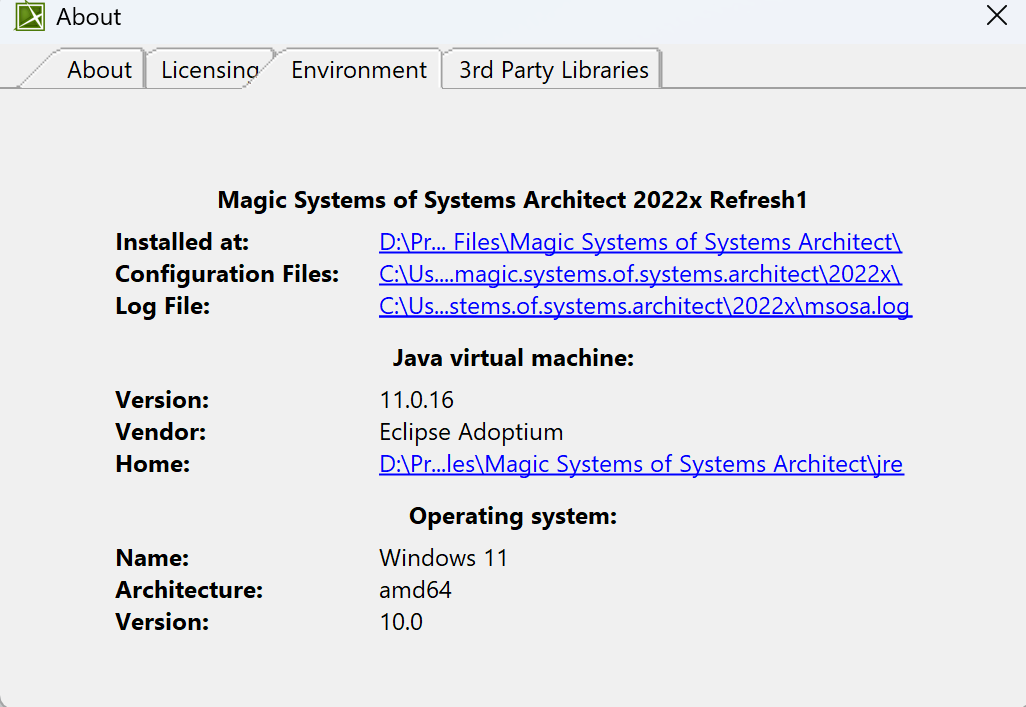
通过 IDEA 的 remote debugger
配置阶段
- 在 IDEA 的 Run/Debug Configuration 中新建下图所示的 debugger 配置保存。
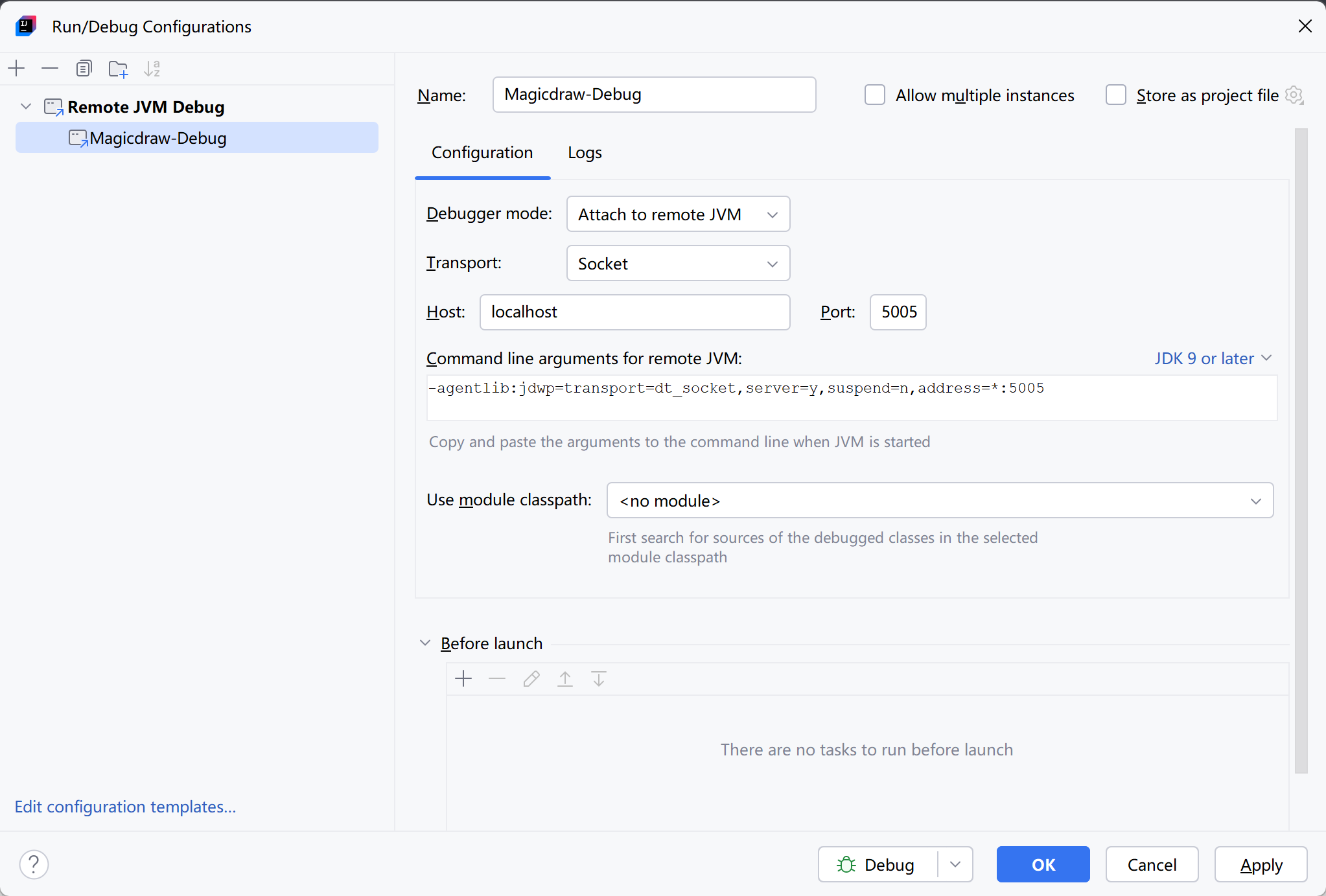
- 将 1 中的
Command line arguments for remote JVM中的内容添加到Magicdraw 根目录/bin/msosa.properties中的JAVA_ARGS后面(注意空格)。
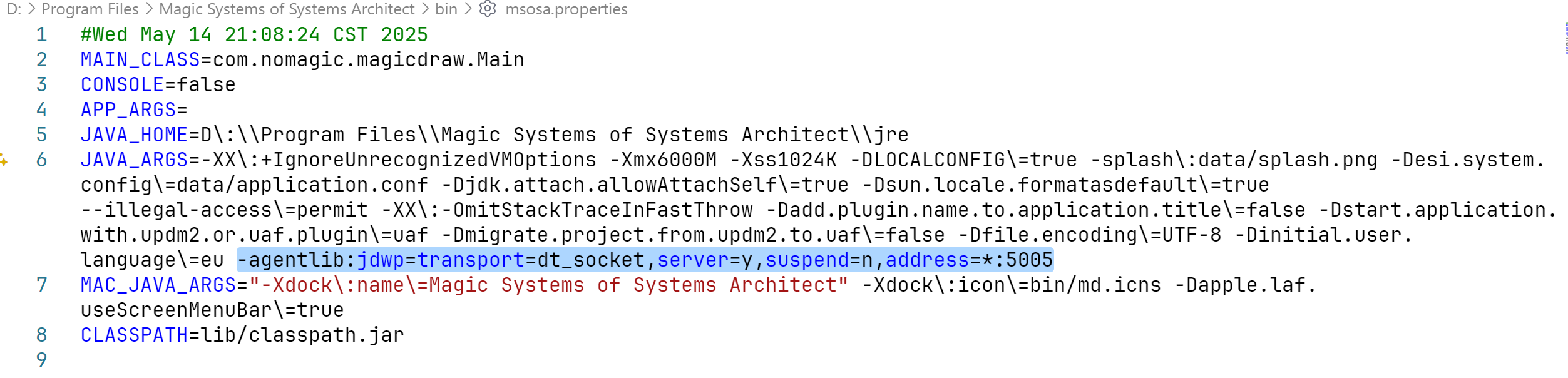
使用阶段
先启动 Magicdraw。
启动 IDEA 的 remote-debugger。

Debug 控制台出现如下提示说明连接成功。
log
Connected to the target VM, address: 'localhost:5005', transport: 'socket'- 断点调试。